How-to-Editor
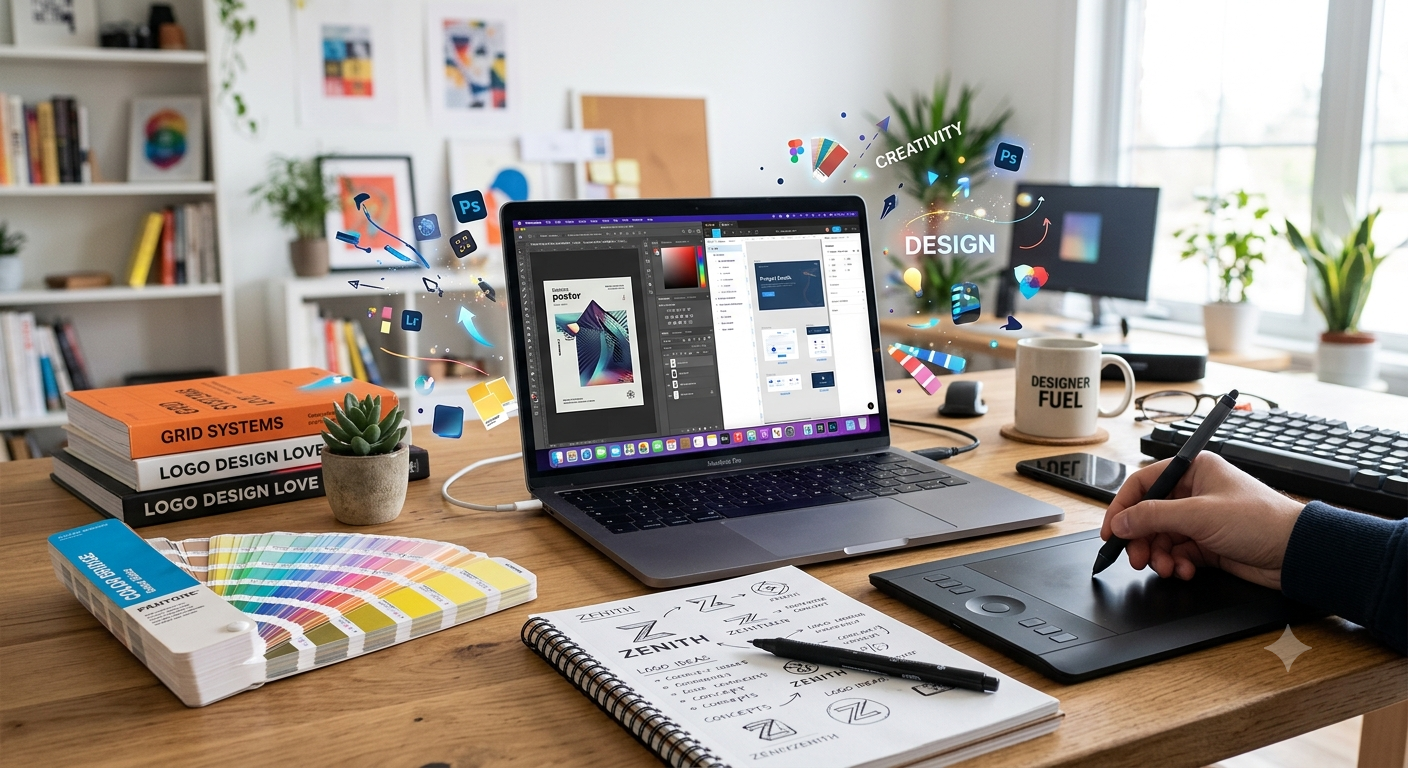
Graphic design is one of the most valuable creative skills you can learn today. Whether you want to become a freelancer, land a high-paying job, start a design agency, or simply create stunning visuals for your own business, it’s never been easier to Learn Graphic Design online.
The best part? You don’t need a design degree or expensive classroom training. With the right learning path, practice routine, and portfolio-building strategy, anyone can develop professional-level design skills from home.
In this guide, you’ll discover exactly how to learn graphic design online, which tools to use, what skills matter most, common mistakes to avoid, and practical tips to speed up your progress.
What Is Graphic Design?
Graphic design is the art of communicating ideas visually. Designers combine typography, colors, images, icons, layouts, and illustrations to create visuals that inform, persuade, or entertain.
Graphic design is used everywhere, including:
- Business logos
- Social media posts
- Websites
- Mobile apps
- Product packaging
- Advertisements
- Books and magazines
- Presentation slides
- Infographics
- Marketing materials
A successful designer doesn’t simply make things look attractive—they solve communication problems through visual design.
Why Learn Graphic Design Online?
Online learning has transformed creative education. Instead of attending expensive colleges, you can learn from industry professionals at your own pace.
Benefits include:
- Flexible learning schedule
- Lower costs than traditional education
- Access to world-class instructors
- Lifetime course access on many platforms
- Opportunity to practice immediately
- Ability to build a portfolio while learning
- Learn from anywhere in the world
Whether you have one hour per day or full weekends available, online learning makes consistent progress possible.
Essential Skills Every Graphic Designer Should Learn
Before installing software, understand the core principles that every professional designer uses.
Typography
Typography is the art of arranging text effectively.
Learn about:
- Font families
- Font pairing
- Hierarchy
- Alignment
- Letter spacing
- Readability
Good typography alone can dramatically improve your designs.
Color Theory
Understanding colors helps create emotional impact and visual harmony.
Important concepts include:
- Color wheel
- Complementary colors
- Analogous colors
- Warm vs. cool colors
- Color psychology
- Contrast
- Accessibility
Layout and Composition
A strong layout guides the viewer’s eye naturally.
Focus on:
- Visual hierarchy
- White space
- Balance
- Grid systems
- Rule of thirds
- Alignment
Branding
Brand identity involves creating consistent visual experiences.
You’ll learn how to design:
- Logos
- Brand colors
- Typography systems
- Business cards
- Brand guidelines
- Marketing assets
Image Editing
Graphic designers frequently edit photos by:
- Removing backgrounds
- Adjusting lighting
- Color correction
- Retouching
- Creating composites
Vector Illustration
Vectors allow artwork to scale without losing quality.
They’re essential for:
- Logos
- Icons
- Illustrations
- Stickers
- Print materials
Best Software to Learn Graphic Design
Different projects require different tools.
| Software | Best For | Beginner Friendly |
|---|---|---|
| Adobe Photoshop | Photo editing, social media, posters | Medium |
| Adobe Illustrator | Logos, vectors, illustrations | Medium |
| Adobe InDesign | Books, magazines, brochures | Medium |
| Figma | UI/UX design, web design | Very High |
| Canva | Quick graphics and templates | Very High |
| Affinity Designer | Professional vector design | High |
| GIMP | Free photo editing | Medium |
| Inkscape | Free vector graphics | Medium |
If you’re just starting, learning Photoshop, Illustrator, and Figma provides a strong foundation for most design careers.
Step-by-Step Roadmap to Learn Graphic Design Online
Step 1: Understand the Basics
Begin with design principles rather than software.
Study:
- Color
- Typography
- Layout
- Composition
- Branding
- Visual communication
These concepts apply across every design tool.
Step 2: Choose One Design Software
Trying to master five programs simultaneously often slows progress.
Instead:
- Learn Photoshop first if you’re interested in social media or photo editing.
- Learn Illustrator if logo design excites you.
- Learn Figma if you want to design websites or mobile apps.
Master one tool before moving to the next.
Step 3: Follow Structured Courses
Random YouTube videos are useful, but structured courses provide a logical learning sequence.
A quality course should cover:
- Fundamentals
- Practice exercises
- Real projects
- Feedback opportunities
- Portfolio development
Step 4: Practice Every Day
Design is a practical skill.
Aim to design something daily, such as:
- Instagram post
- Flyer
- Logo concept
- Poster
- YouTube thumbnail
- Business card
- Banner
- Mobile app screen
Consistency matters more than long study sessions.
Step 5: Recreate Existing Designs
One of the fastest ways to improve is recreating professional designs.
Choose posters, advertisements, websites, or packaging designs and rebuild them from scratch.
This teaches:
- Layout
- Spacing
- Typography
- Color usage
- Professional workflow
Don’t claim recreated work as your original design—use it purely for practice.
Step 6: Learn Design Theory Alongside Software
Many beginners focus only on clicking buttons.
Professional designers understand why a design works.
Always ask:
- Why was this color chosen?
- Why is this text larger?
- Why is this image placed here?
This mindset accelerates learning.
Step 7: Build a Portfolio
Clients care far more about your portfolio than certificates.
Include projects like:
- Logo collections
- Brand identity
- Social media campaigns
- Packaging
- Web layouts
- Flyers
- Restaurant menus
- Business brochures
Quality matters more than quantity.
Step 8: Accept Feedback
Constructive criticism is essential.
Share your work in:
- Design communities
- Social media
- Online forums
- Portfolio platforms
Learning from experienced designers helps you improve faster.
Best Free Resources to Learn Graphic Design
Many outstanding free resources are available online.
Some valuable options include:
- YouTube tutorials
- Design blogs
- Adobe tutorials
- Figma community files
- Free ebooks
- Creative podcasts
- Online design challenges
- Free mockup websites
Combine multiple learning sources for the best results.
How Long Does It Take to Learn Graphic Design?
Learning speed depends on consistency.
| Time | Expected Progress |
|---|---|
| 1 Month | Basic software knowledge |
| 3 Months | Create simple designs independently |
| 6 Months | Build a beginner portfolio |
| 12 Months | Ready for freelance projects or junior roles |
| 2 Years | Strong professional-level skills with consistent practice |
Daily practice produces much better results than occasional long sessions.
How to Build a Strong Graphic Design Portfolio
Your portfolio should demonstrate both creativity and problem-solving ability.
Include projects like:
- Logo design
- Brand identity
- Social media campaigns
- Packaging design
- Event posters
- Magazine layouts
- Website landing pages
- Email templates
- Product advertisements
Each project should explain:
- Client goal (real or fictional)
- Design process
- Final outcome
- Design decisions
Employers appreciate thoughtful explanations alongside visuals.
Ways to Earn Money After Learning Graphic Design
Graphic design offers multiple career paths.
Popular opportunities include:
- Freelancing
- Remote employment
- Design agencies
- Social media content creation
- Print design
- UI/UX design
- Branding consultant
- Packaging designer
- YouTube thumbnail designer
- Print-on-demand products
- Digital template sales
- Logo design services
Many designers diversify their income by combining several of these options.
Creating an Effective Learning Schedule
Here’s an example weekly routine.
| Day | Activity |
|---|---|
| Monday | Typography practice |
| Tuesday | Photoshop exercises |
| Wednesday | Color theory projects |
| Thursday | Logo design |
| Friday | Layout practice |
| Saturday | Portfolio project |
| Sunday | Review work and learn from feedback |
Even one focused hour each day can produce noticeable progress over time.
Pro Tips to Learn Graphic Design Faster
- Master design principles before advanced software.
- Practice every single day, even for 30 minutes.
- Analyze professional designs instead of only admiring them.
- Learn keyboard shortcuts to improve workflow.
- Keep a folder of inspiring designs.
- Study branding from successful companies.
- Create projects for imaginary clients.
- Learn typography thoroughly—it separates beginners from professionals.
- Seek constructive feedback regularly.
- Redesign old projects every few months to measure improvement.
- Build your portfolio while learning instead of waiting.
- Stay updated with modern design trends without blindly copying them.
Common Mistakes to Avoid
- Learning software before understanding design principles.
- Copying designs without understanding the reasoning.
- Using too many fonts in one project.
- Choosing poor color combinations.
- Ignoring spacing and alignment.
- Overloading designs with unnecessary elements.
- Depending entirely on templates.
- Skipping portfolio development.
- Expecting professional results within weeks.
- Ignoring client communication skills.
- Using low-quality images.
- Forgetting to design for the target audience.
Frequently Asked Questions
1. Can I learn graphic design without a degree?
Yes. Many successful graphic designers are self-taught and built their careers through consistent practice and strong portfolios.
2. Is graphic design difficult to learn?
The basics are relatively easy to understand, but mastering design takes regular practice, creativity, and continuous learning.
3. Which software should beginners start with?
Figma and Canva are beginner-friendly for digital design, while Photoshop and Illustrator are excellent choices for building professional skills.
4. How many hours should I practice daily?
Practicing for 1–2 focused hours each day is often more effective than studying for long periods only once or twice a week.
5. Can I become a freelancer after learning graphic design?
Yes. Once you have a solid portfolio and understand client requirements, you can start taking freelance projects through various online platforms or direct outreach.
6. Is graphic design a good career?
Graphic design remains a strong career choice because businesses of all sizes need visual content for branding, marketing, advertising, and digital products.
7. Do I need an expensive computer?
Not necessarily. A mid-range computer that can run your chosen design software smoothly is sufficient for most beginner and intermediate projects.
8. Is drawing necessary for graphic design?
No. While illustration skills can be helpful, many graphic designers focus on layouts, branding, typography, and digital composition without being expert artists.
9. How can I improve my creativity?
Study great design, experiment with different styles, take part in design challenges, and expose yourself to art, photography, architecture, and everyday visual inspiration.
10. When should I start building a portfolio?
Start as early as possible. Include your best practice projects and update them as your skills improve over time.
Conclusion
Learning graphic design online has never been more accessible. With dedication, consistent practice, and a structured approach, you can build valuable creative skills that open doors to freelancing, full-time employment, or entrepreneurship.
Start by mastering design fundamentals, choose one software to focus on, practice real-world projects, and gradually build a portfolio that showcases your abilities. Remember that progress comes from steady improvement rather than perfection. As you continue to Learn Graphic Design, you’ll develop not only technical skills but also the creative confidence needed to solve visual communication challenges effectively.
The journey begins with your first project. Open your favorite design tool today, create something simple, learn from the process, and keep building. Every professional graphic designer started exactly where you are now.