How-to-Editor
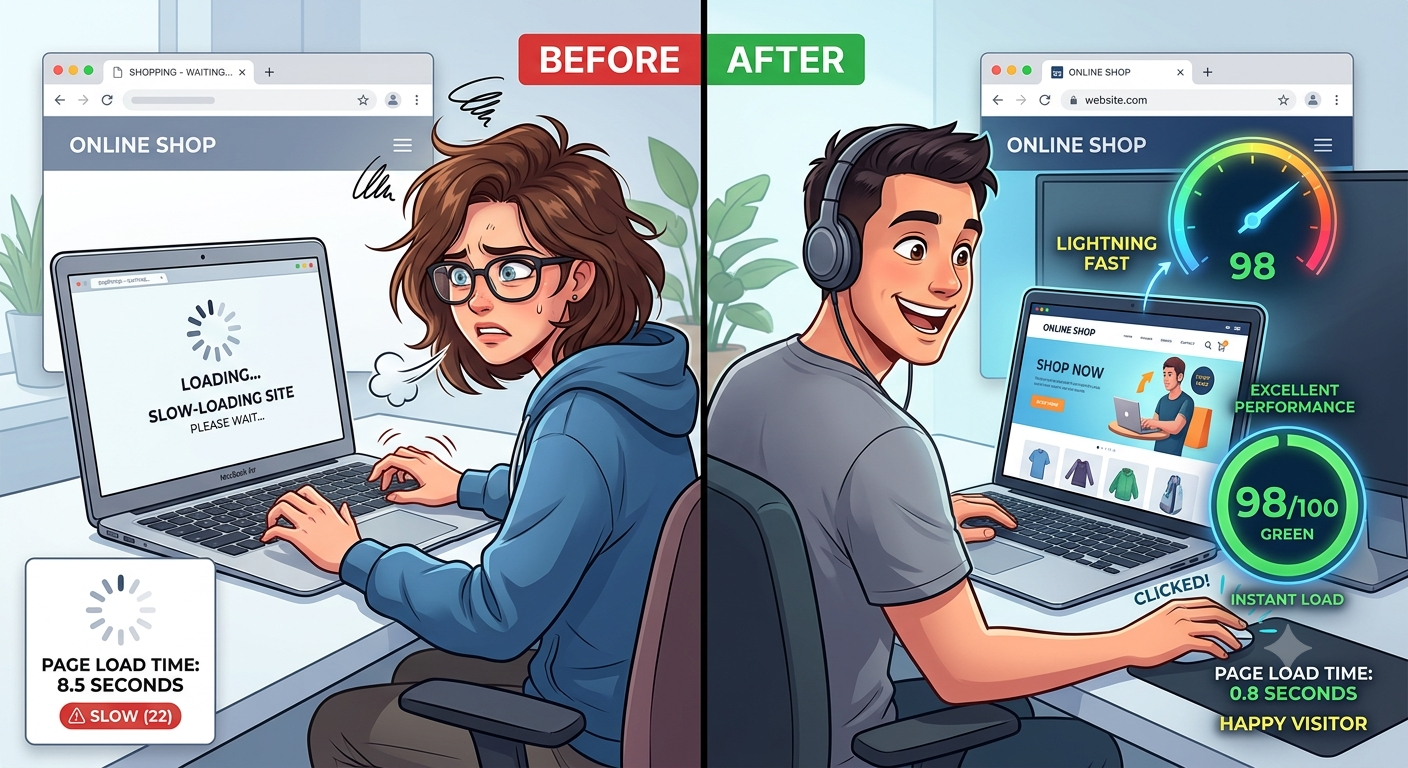
If your website takes more than a few seconds to load, you’re probably losing visitors, potential customers, and search engine rankings. The good news is that you can Improve Website Speed without being a web development expert. Even small optimizations can dramatically reduce loading times and create a better user experience.
Website speed affects everything from bounce rate and SEO to conversions and customer satisfaction. In this guide, you’ll learn practical techniques to speed up your website, identify performance bottlenecks, and maintain fast loading times over the long term.
Why Website Speed Matters
Website speed is no longer just a technical metric. It’s a key factor that influences how users interact with your site and how search engines rank it.
A fast website helps you:
- Improve user experience
- Increase search engine visibility
- Reduce bounce rates
- Boost conversions and sales
- Keep visitors engaged longer
- Improve mobile browsing performance
Imagine visiting an online store where every page takes 8 seconds to load. Most users won’t wait—they’ll leave and visit a competitor instead.
What Is Website Speed?
Website speed refers to how quickly your website loads and becomes usable for visitors.
It includes several performance measurements, such as:
- Time until the page appears
- Time until users can interact with the page
- Overall loading time
- Visual stability during loading
Modern search engines also evaluate user experience using Core Web Vitals, which measure loading performance, responsiveness, and visual stability.
What Causes a Slow Website?
Many factors can slow down a website. Usually, it’s not just one issue but several combined.
Common causes include:
- Large image files
- Poor-quality web hosting
- Too many plugins
- Heavy JavaScript
- Unoptimized CSS
- Slow databases
- Excessive HTTP requests
- No caching
- Third-party scripts
- Poor website architecture
The first step toward better performance is identifying which of these affects your website.
How to Test Your Website Speed
Before making improvements, measure your current performance.
Popular website speed testing tools include:
| Tool | Best For | Free |
|---|---|---|
| Google PageSpeed Insights | SEO and Core Web Vitals | Yes |
| GTmetrix | Detailed optimization reports | Yes |
| Pingdom Tools | Global performance testing | Yes |
| WebPageTest | Advanced analysis | Yes |
Run multiple tests because loading speed can vary depending on server traffic and location.
Record your baseline scores so you can compare improvements later.
15 Proven Ways to Improve Website Speed
1. Choose High-Quality Web Hosting
Your hosting provider is the foundation of your website’s performance.
Cheap shared hosting often results in:
- Slow response times
- Limited server resources
- Frequent downtime
Consider upgrading to:
- Managed WordPress hosting
- VPS hosting
- Cloud hosting
- Dedicated servers for high-traffic websites
Investing in better hosting often delivers the biggest performance improvement.
2. Optimize Your Images
Images usually make up the largest portion of a webpage.
Before uploading images:
- Resize them appropriately
- Compress them
- Use modern formats like WebP or AVIF
- Avoid uploading unnecessarily large files
Example:
Instead of uploading a 6 MB camera photo, resize it to 1200 pixels wide and compress it below 200 KB.
Visitors won’t notice any visual difference, but your pages will load much faster.
3. Enable Browser Caching
Browser caching allows returning visitors to load pages faster because many files are stored locally.
Instead of downloading everything again, the browser reuses cached resources such as:
- Images
- CSS files
- JavaScript
- Fonts
This significantly reduces page loading times.
4. Use a Content Delivery Network (CDN)
A CDN stores copies of your website on servers around the world.
Instead of loading files from one server, visitors receive them from the nearest location.
Benefits include:
- Faster global loading
- Lower server load
- Improved reliability
- Better security
A CDN is especially valuable if your audience comes from multiple countries.
5. Minify CSS, JavaScript, and HTML
Developers often include spaces, comments, and formatting that browsers don’t need.
Minification removes unnecessary characters without changing functionality.
This reduces file sizes and speeds up downloads.
Many optimization plugins can automate this process.
6. Reduce HTTP Requests
Every webpage requests multiple resources.
These include:
- Images
- Fonts
- CSS
- JavaScript
- Icons
Too many requests slow loading.
Reduce them by:
- Combining CSS files
- Combining JavaScript files
- Using SVG icons
- Removing unnecessary assets
Fewer requests usually mean faster pages.
7. Remove Unused Plugins
Website plugins are useful, but installing too many creates performance issues.
Inactive or outdated plugins may:
- Increase loading time
- Create database clutter
- Cause security vulnerabilities
Review your plugins regularly and remove those you no longer need.
Quality matters more than quantity.
8. Optimize Your Database
Over time, databases collect unnecessary information such as:
- Post revisions
- Spam comments
- Expired temporary files
- Old drafts
Cleaning your database improves query speed.
WordPress users can schedule automatic database optimization using trusted maintenance plugins.
9. Enable GZIP or Brotli Compression
Compression reduces the size of files sent between your server and visitors.
Benefits include:
- Faster downloads
- Reduced bandwidth
- Improved loading speed
Modern servers often support Brotli, which usually compresses files more efficiently than GZIP.
10. Reduce Redirects
Each redirect creates an additional request before users reach the destination page.
Too many redirects increase loading time.
Instead:
- Update internal links
- Remove outdated redirects
- Keep redirect chains short
A clean URL structure improves both performance and SEO.
11. Load JavaScript Efficiently
JavaScript can delay page rendering if it loads before visible content.
Improve performance by:
- Loading scripts asynchronously
- Deferring non-essential JavaScript
- Removing unused libraries
Prioritize content users need first.
12. Use Lazy Loading
Lazy loading delays images and videos until users scroll near them.
Instead of loading 50 images immediately, only the visible images load first.
This dramatically reduces initial page size.
It’s particularly useful for:
- Blogs
- Portfolios
- Product catalogs
- News websites
13. Optimize Fonts
Web fonts improve design but can slow websites.
Reduce font-related delays by:
- Using fewer font families
- Limiting font weights
- Preloading important fonts
- Hosting fonts locally when appropriate
Simple typography often performs better than excessive customization.
14. Remove Unnecessary Third-Party Scripts
Many websites include scripts from:
- Chat widgets
- Advertising networks
- Analytics tools
- Social media widgets
- Tracking software
Each script adds extra requests.
Audit them regularly and remove anything that isn’t essential.
15. Continuously Monitor Performance
Website optimization isn’t a one-time task.
Regularly monitor:
- Loading speed
- Core Web Vitals
- Server response time
- Broken resources
- Plugin updates
Small changes over time can gradually slow a website if left unchecked.
Desktop vs Mobile Speed
Many website owners focus only on desktop performance.
However, most visitors now browse using smartphones.
Mobile optimization should include:
- Responsive design
- Smaller images
- Efficient caching
- Lightweight themes
- Touch-friendly layouts
A website that loads quickly on desktop may still perform poorly on mobile networks.
How Website Speed Affects SEO
Search engines aim to provide users with the best experience possible.
Fast websites often enjoy benefits such as:
- Better crawling efficiency
- Improved indexing
- Lower bounce rates
- Higher engagement
- Better ranking opportunities
Website speed alone won’t guarantee top rankings, but it supports a strong overall SEO strategy.
Signs Your Website Needs Optimization
You should investigate performance if you notice:
- High bounce rates
- Slow page loading
- Declining conversions
- Poor mobile performance
- Low PageSpeed scores
- Visitors abandoning checkout pages
- Increased server response times
These indicators often point to underlying performance issues.
Website Speed Checklist
Use this checklist to evaluate your site:
| Optimization Task | Status |
|---|---|
| Fast hosting | ✅ |
| Image compression | ✅ |
| Browser caching | ✅ |
| CDN enabled | ✅ |
| Minified CSS | ✅ |
| Minified JavaScript | ✅ |
| Lazy loading | ✅ |
| Database optimized | ✅ |
| Compression enabled | ✅ |
| Plugins cleaned | ✅ |
Completing this checklist can significantly improve overall website performance.
Pro Tips
Here are ten practical tips professionals often follow:
- Compress every image before uploading.
- Use WebP or AVIF whenever possible.
- Test your website after installing new plugins.
- Keep themes lightweight and regularly updated.
- Delete unused media files from your library.
- Reduce homepage clutter and unnecessary animations.
- Host videos externally instead of uploading them directly.
- Monitor Core Web Vitals every month.
- Schedule routine database maintenance.
- Always test performance before and after making design changes.
Common Mistakes to Avoid
Avoid these common website speed mistakes:
- Uploading full-resolution images directly from a camera.
- Installing too many plugins.
- Ignoring mobile performance.
- Choosing the cheapest hosting available.
- Using dozens of custom fonts.
- Adding unnecessary tracking scripts.
- Forgetting to enable browser caching.
- Ignoring server response times.
- Not updating plugins and themes.
- Optimizing only the homepage while neglecting other pages.
Frequently Asked Questions
1. What is considered a fast website?
Ideally, pages should become usable within about 2–3 seconds, with faster loading providing a better user experience.
2. Does website speed affect SEO?
Yes. Website speed is one of many ranking signals and also influences user behavior, which can indirectly affect search performance.
3. Can images slow down a website?
Absolutely. Large, uncompressed images are among the biggest causes of slow-loading websites.
4. What is the easiest way to improve website speed?
Optimizing images, enabling caching, and upgrading hosting often produce the quickest improvements.
5. Is shared hosting bad?
Not always. It’s suitable for small websites, but growing websites often benefit from VPS, cloud, or managed hosting.
6. What is lazy loading?
Lazy loading delays the loading of images and videos until they are about to appear on the user’s screen.
7. Should I remove unused plugins?
Yes. Removing unnecessary plugins reduces server load, improves security, and helps keep your website running efficiently.
8. How often should I test my website speed?
Test it at least once a month and after major updates, theme changes, or plugin installations.
9. Can a CDN improve loading speed?
Yes. A CDN serves files from servers closer to visitors, reducing latency and improving loading times worldwide.
10. Are Core Web Vitals important?
Yes. Core Web Vitals measure loading performance, responsiveness, and visual stability, making them valuable indicators of user experience and website quality.
Conclusion
Learning how to Improve Website Speed doesn’t require advanced technical skills. By focusing on quality hosting, optimized images, browser caching, efficient code, and regular maintenance, you can create a faster website that keeps visitors engaged and supports your long-term SEO goals.
Remember that performance optimization is an ongoing process rather than a one-time task. Test your website regularly, monitor key metrics, and make incremental improvements whenever needed. A faster website not only provides a better experience for your visitors but also gives your business a stronger foundation for growth in search rankings, conversions, and customer satisfaction. Start implementing these strategies today, and you’ll be well on your way to a faster, more reliable website.